
One tap. The timer runs.
Tap a time and your countdown starts. No setup, no ads, no clean-up. For the laundry, bread in the oven, a workout, a break, the parking meter.
Coming soon to Google PlayOne Timer is in a closed test right now and will be available to everyone soon.
What makes One Timer different
One tap is enough
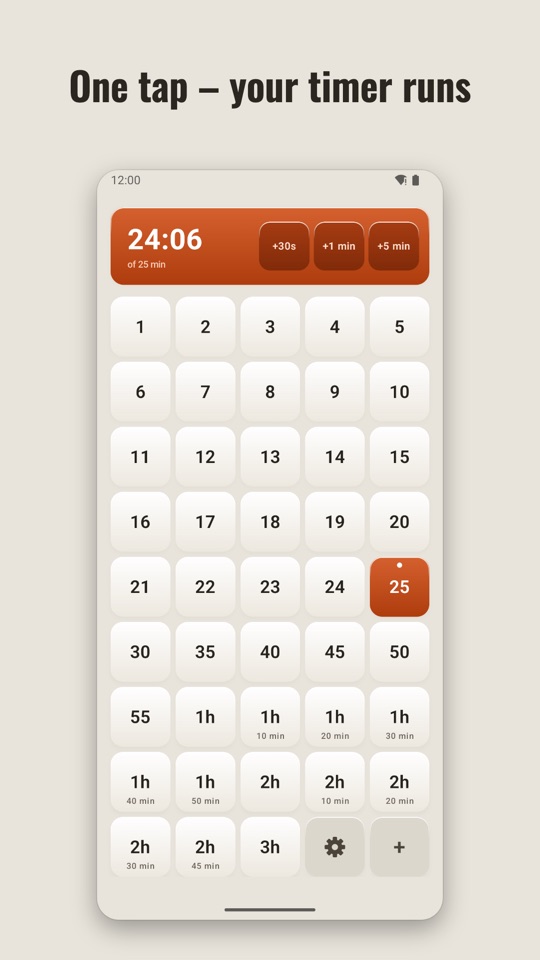
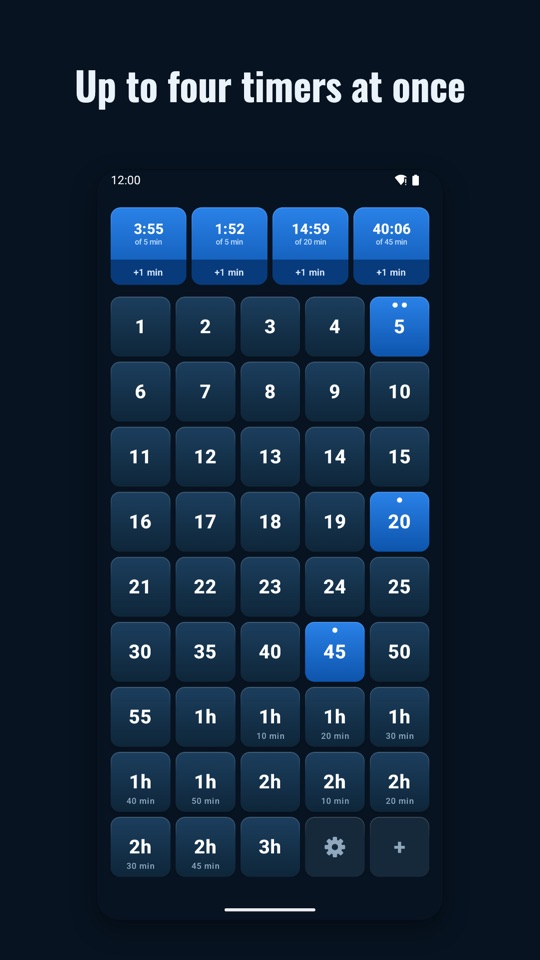
43 time tiles from 1 minute to 3 hours. Tap a time and the timer runs. No setting, no confirming, no start button.
Several timers
Up to four run at once. Tap the same tile twice for two separate timers.
A reliable alarm
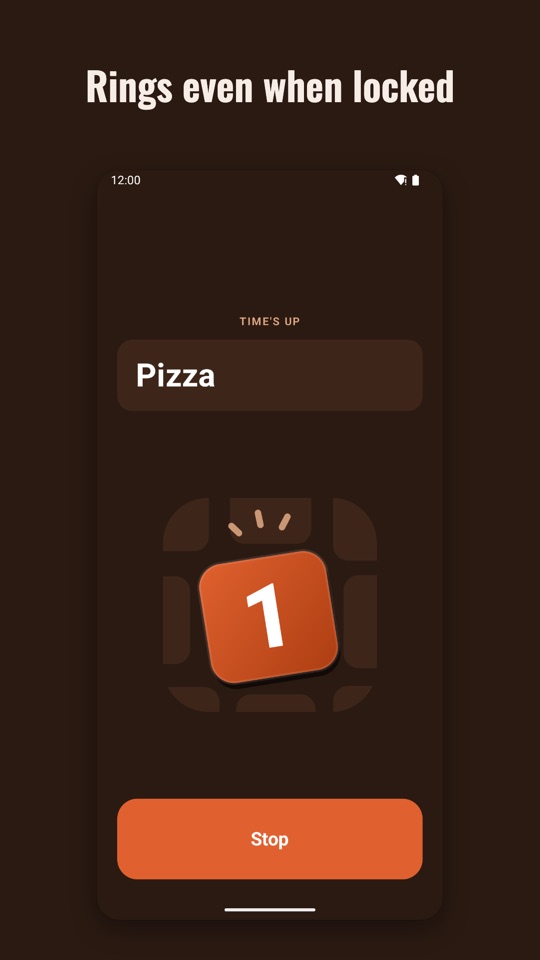
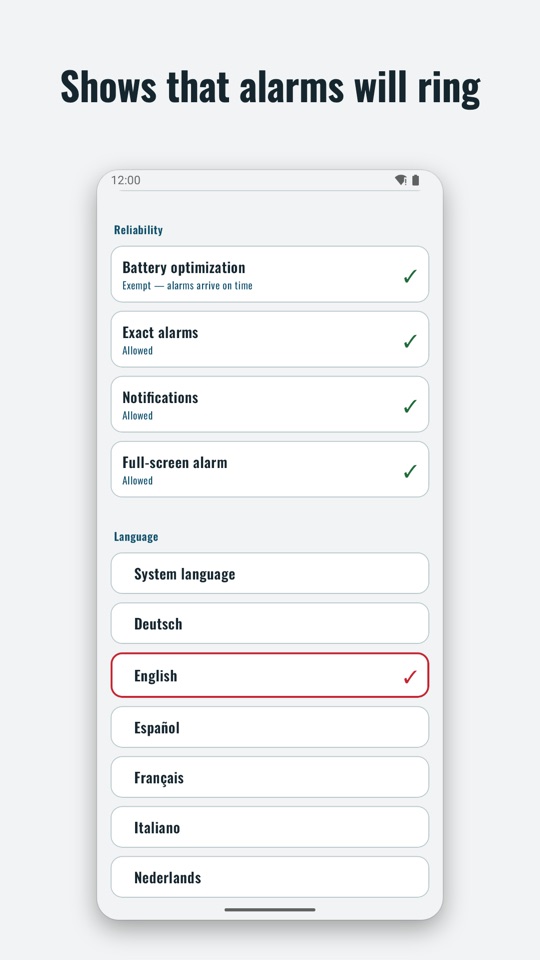
Rings with the phone locked, in silent mode and after a restart. Full screen over the lock screen, and it can announce which timer is up.
Nothing to clean up
Finished timers disappear on their own. Several finished timers make one alarm with one stop button.
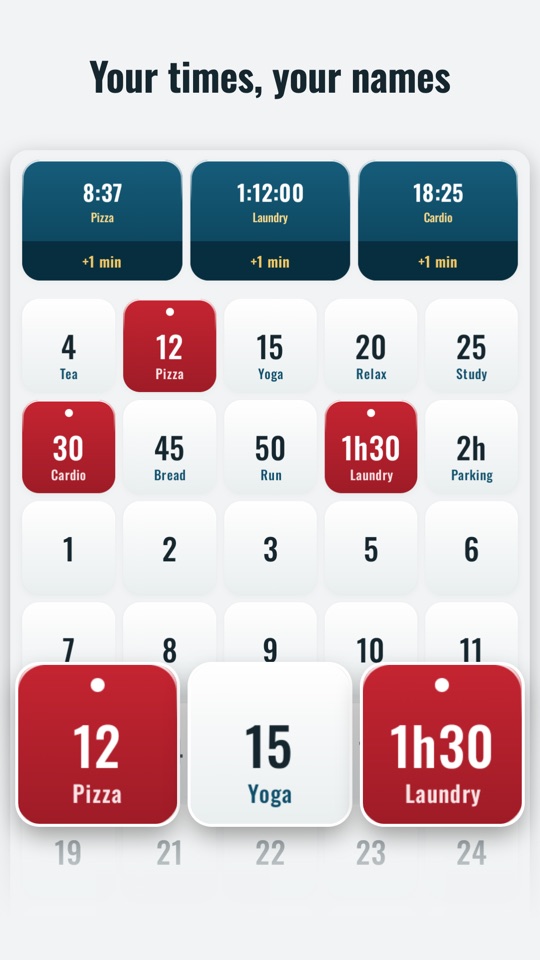
Your times, your names
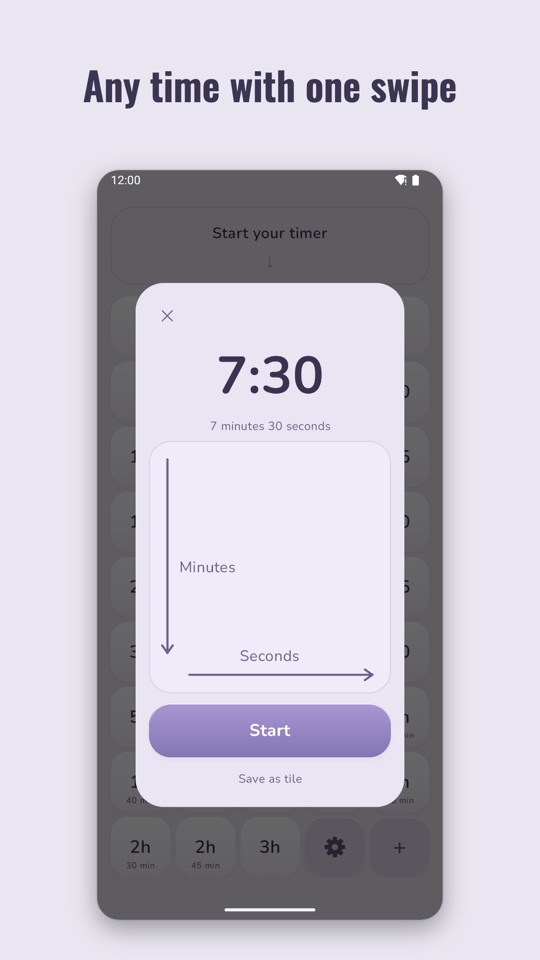
Long-press a tile to change or name it: “Laundry”, “Parking”, “Break”. Odd times like 7:30 with a single swipe.
No ads, no account, no internet
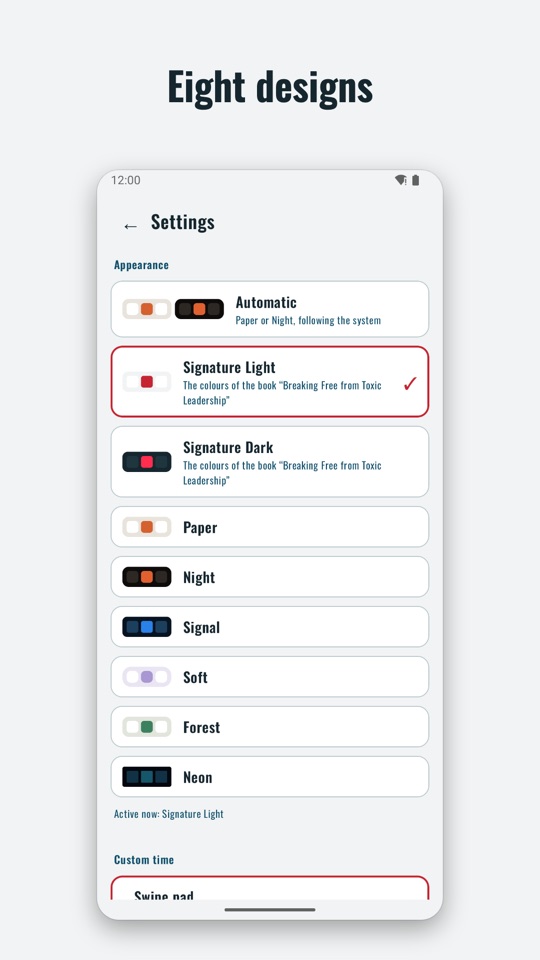
One Timer has no internet access and collects no data. Eight designs, eight languages, a home screen widget.
How it looks
If an alarm does not ring on time
Some manufacturers stop background apps to save battery. An alarm may then fail to ring with the screen locked. One Timer shows under + → Settings → Reliability whether everything is set and takes you to the right place. Depending on your phone, you may also need:
- Samsung: Settings → Battery → Background usage limits → add One Timer to “Never sleeping apps”.
- Xiaomi: In App info, turn on “Autostart” and set “Battery saver” to “No restrictions”.
- OnePlus/Oppo: In App info under “Battery”, allow background activity and turn on “Auto launch”.
- Huawei/Honor: Under “App launch”, set One Timer to manual and turn on all three switches.
- Vivo: Under “Battery” → “High background power consumption”, allow One Timer.
Questions or wishes?
Write to me: markus@toxicleadership.info